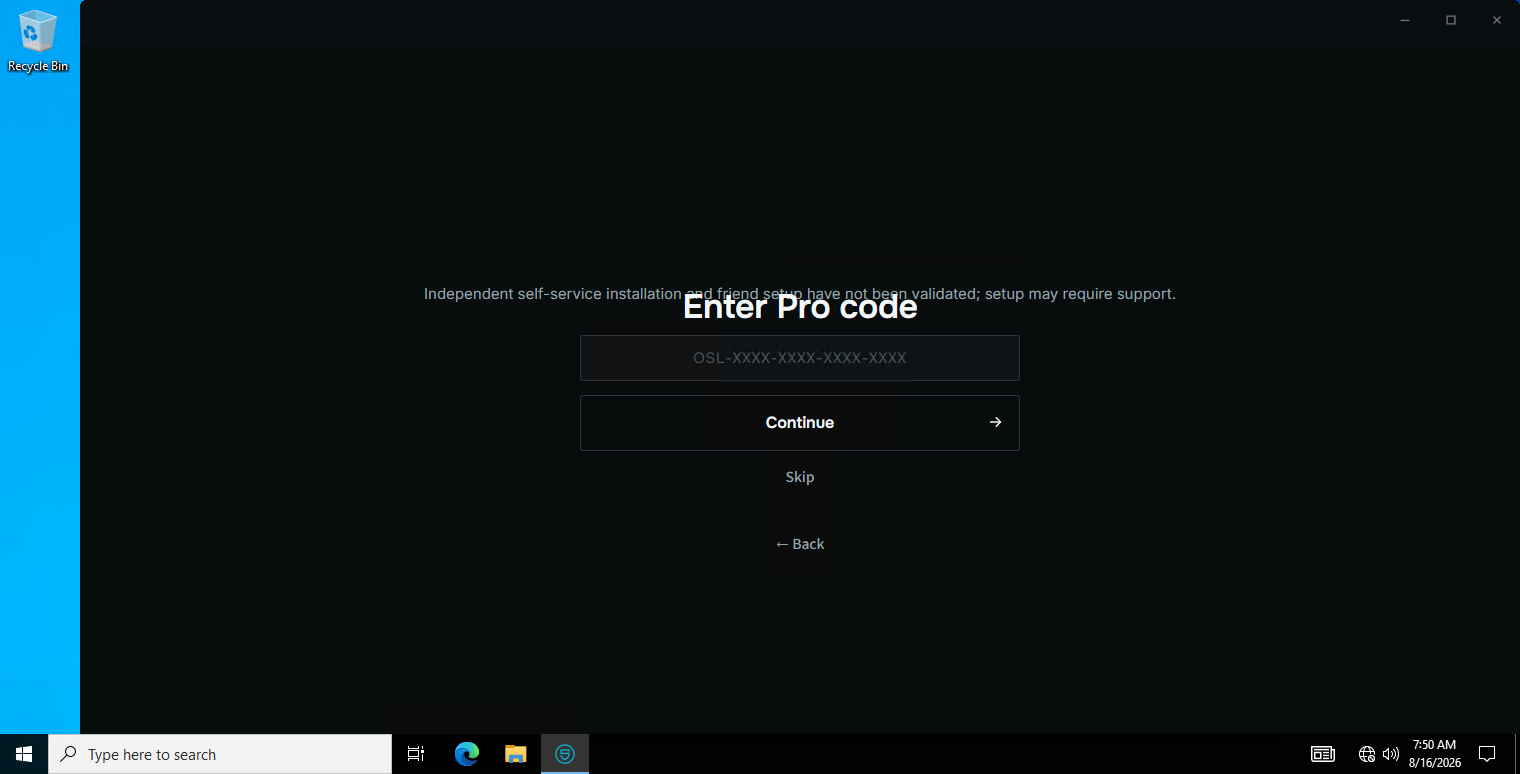
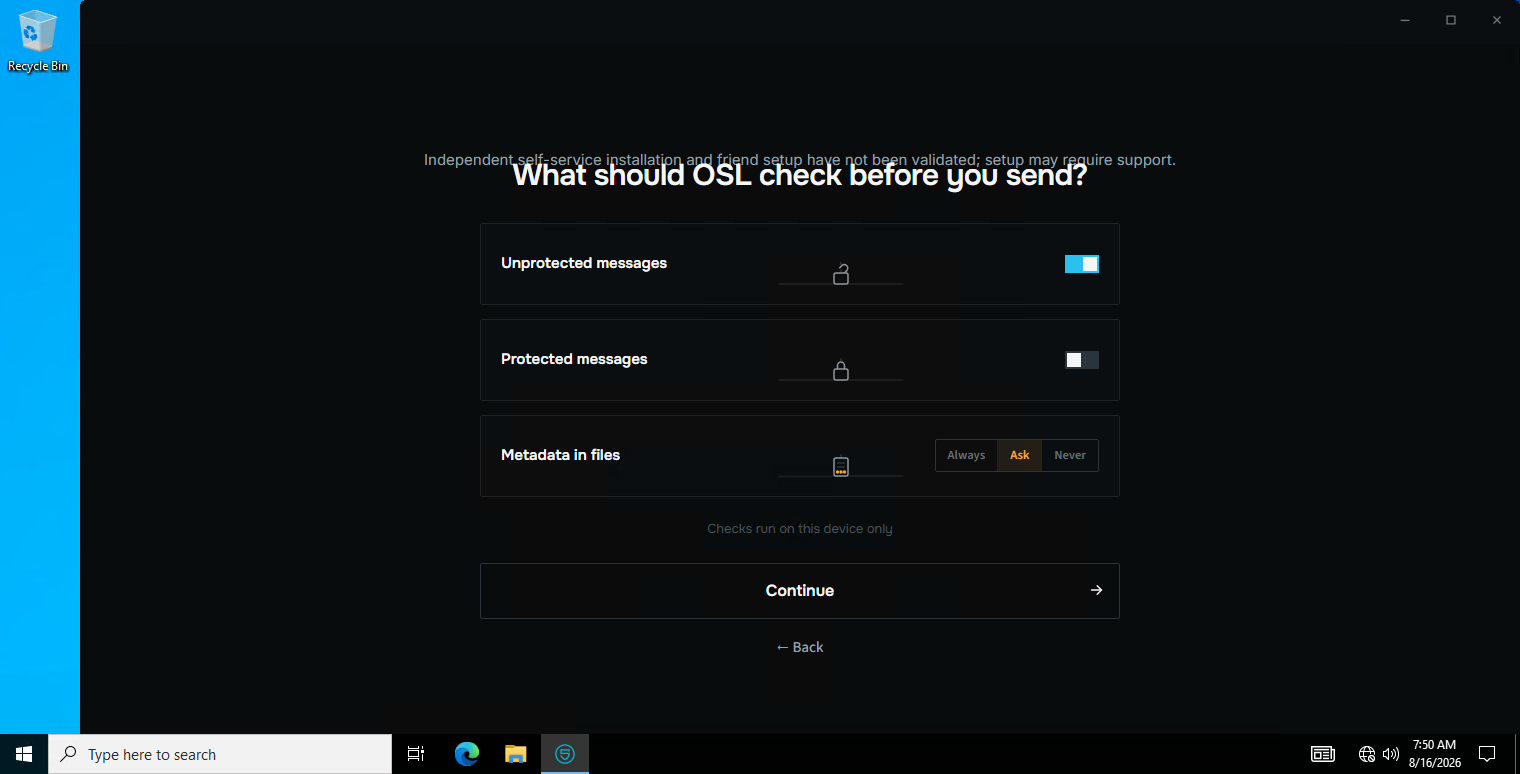
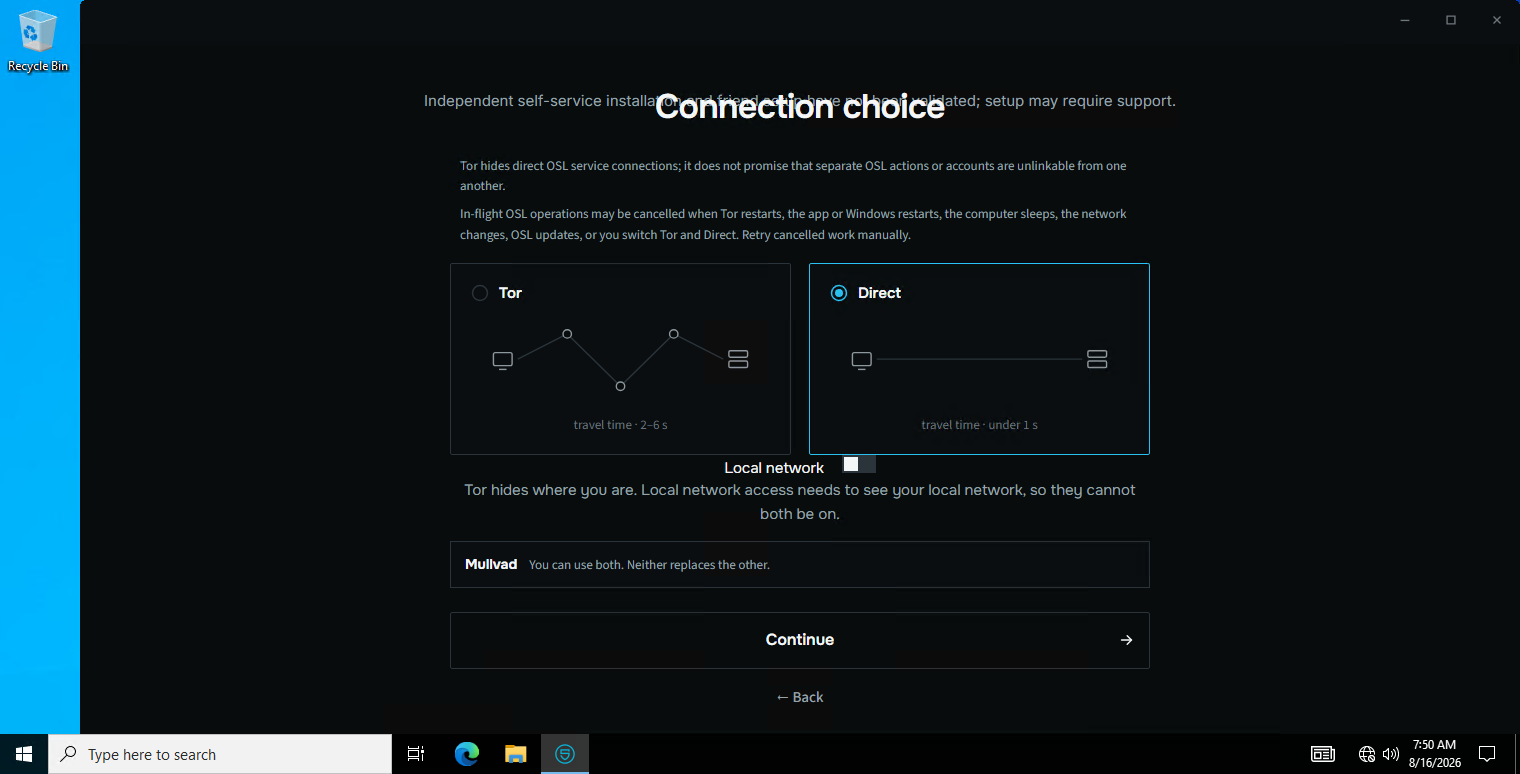
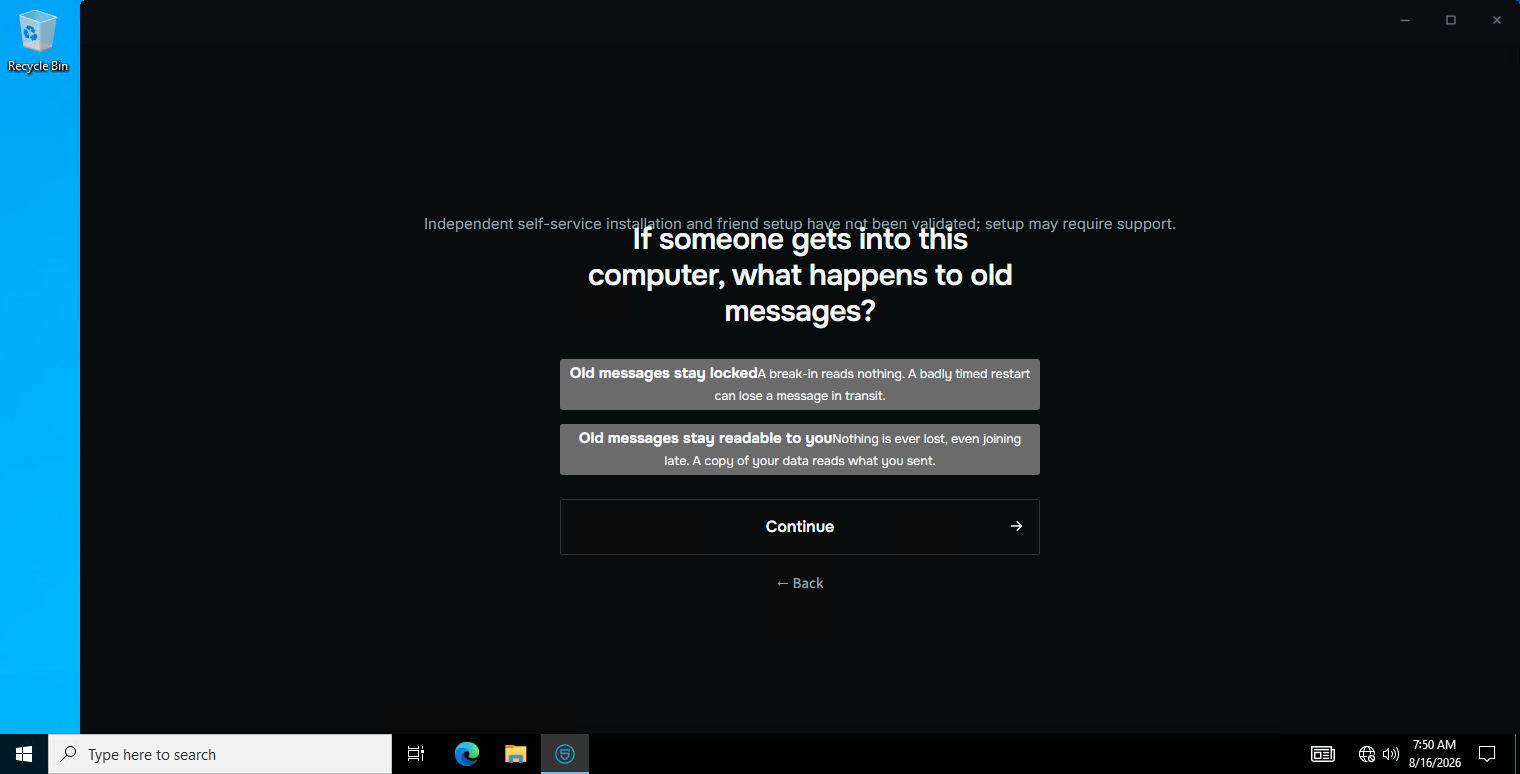
Real screenshots of the Windows build, in the order a person meets them. Nothing here is a mock-up: every image is the shipping application running on Windows.
Thirteen real screenshots of the shipping Windows build, captured from a live Windows session. This is every screen a new person meets, in the order they meet it.
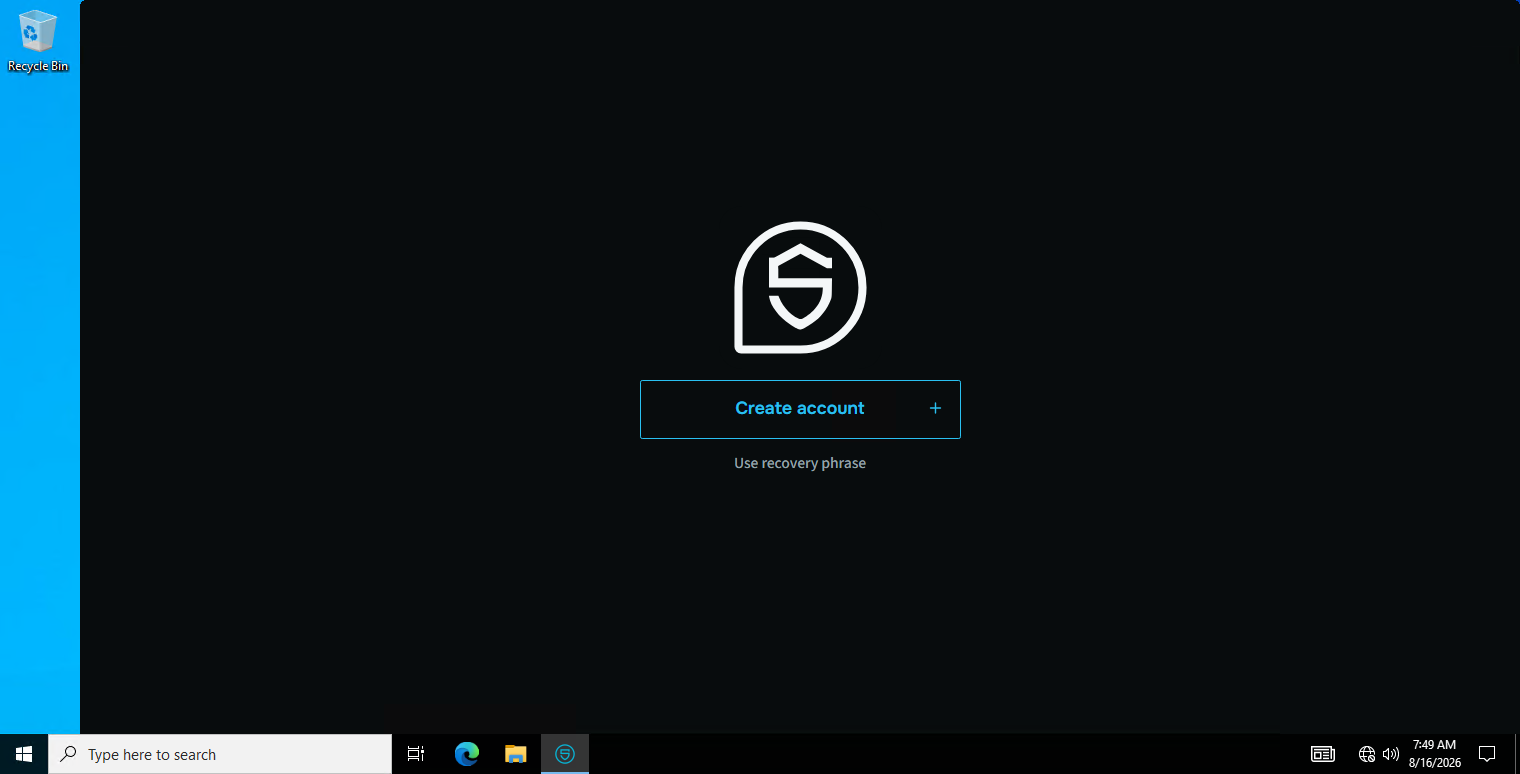
1First launch. Create an account, or restore one from a recovery phrase.
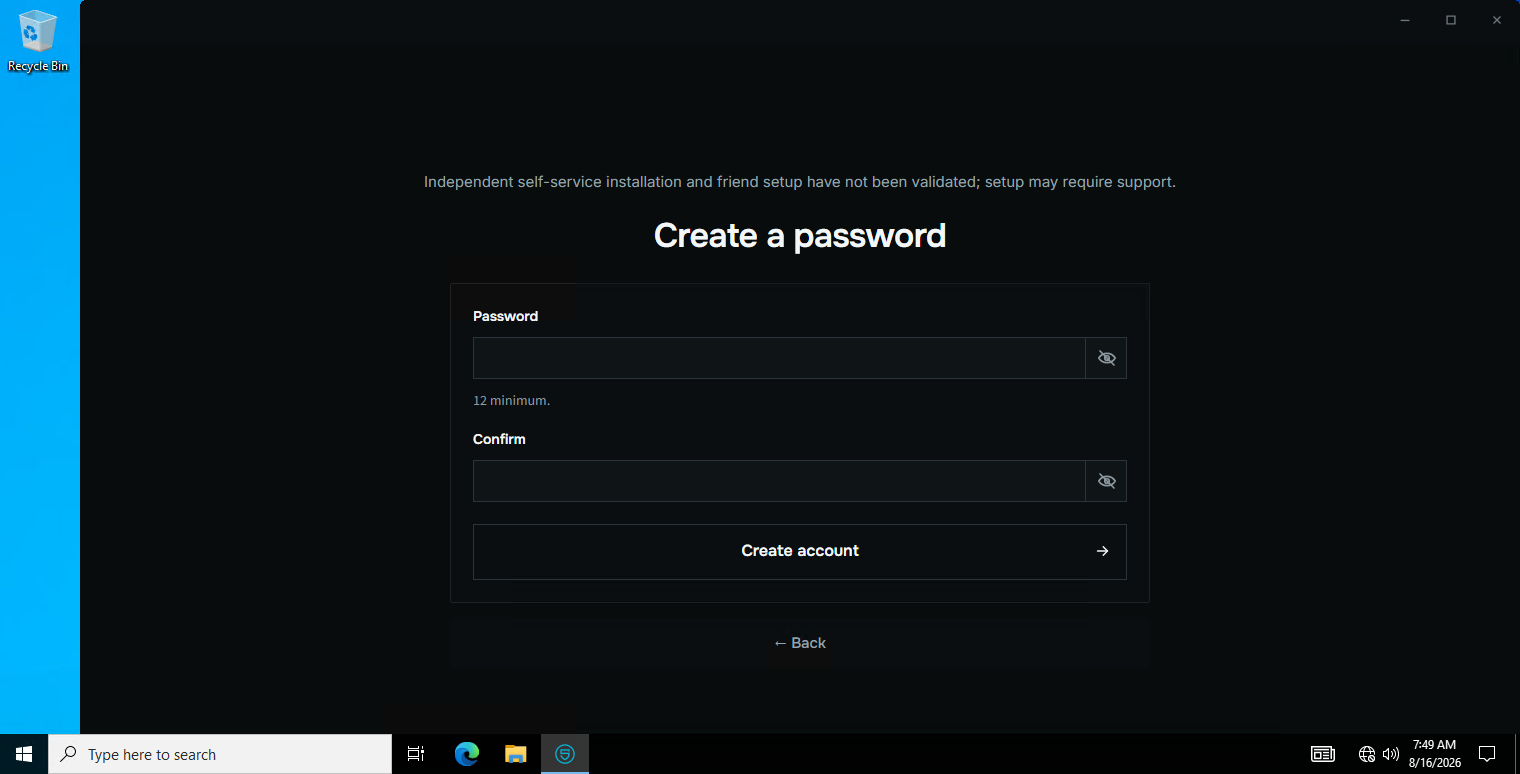
2Choosing a password. This password is the only thing that opens the profile.
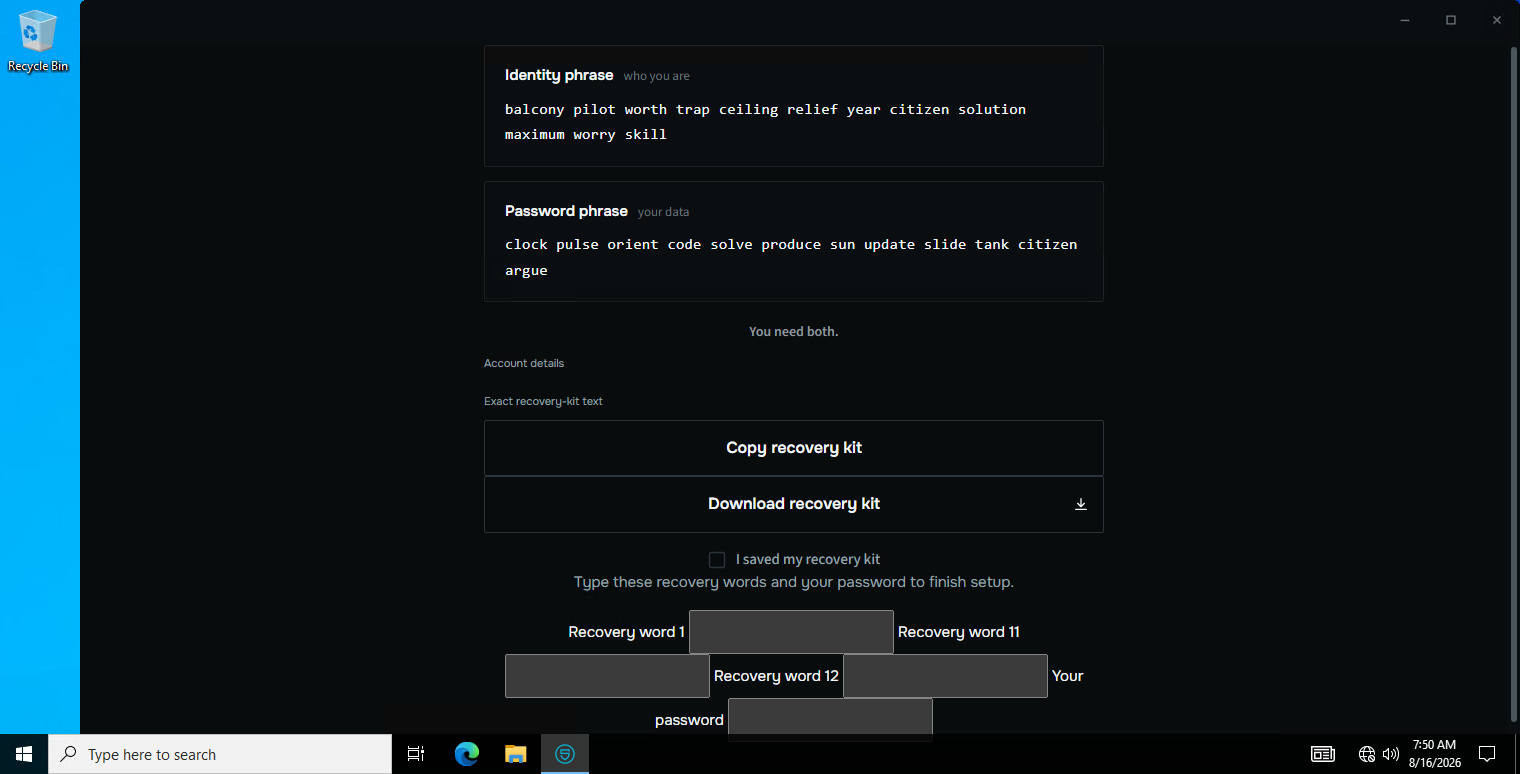
3The recovery kit. Lose every device and this kit, and the account is gone for good — so the app says so plainly here.
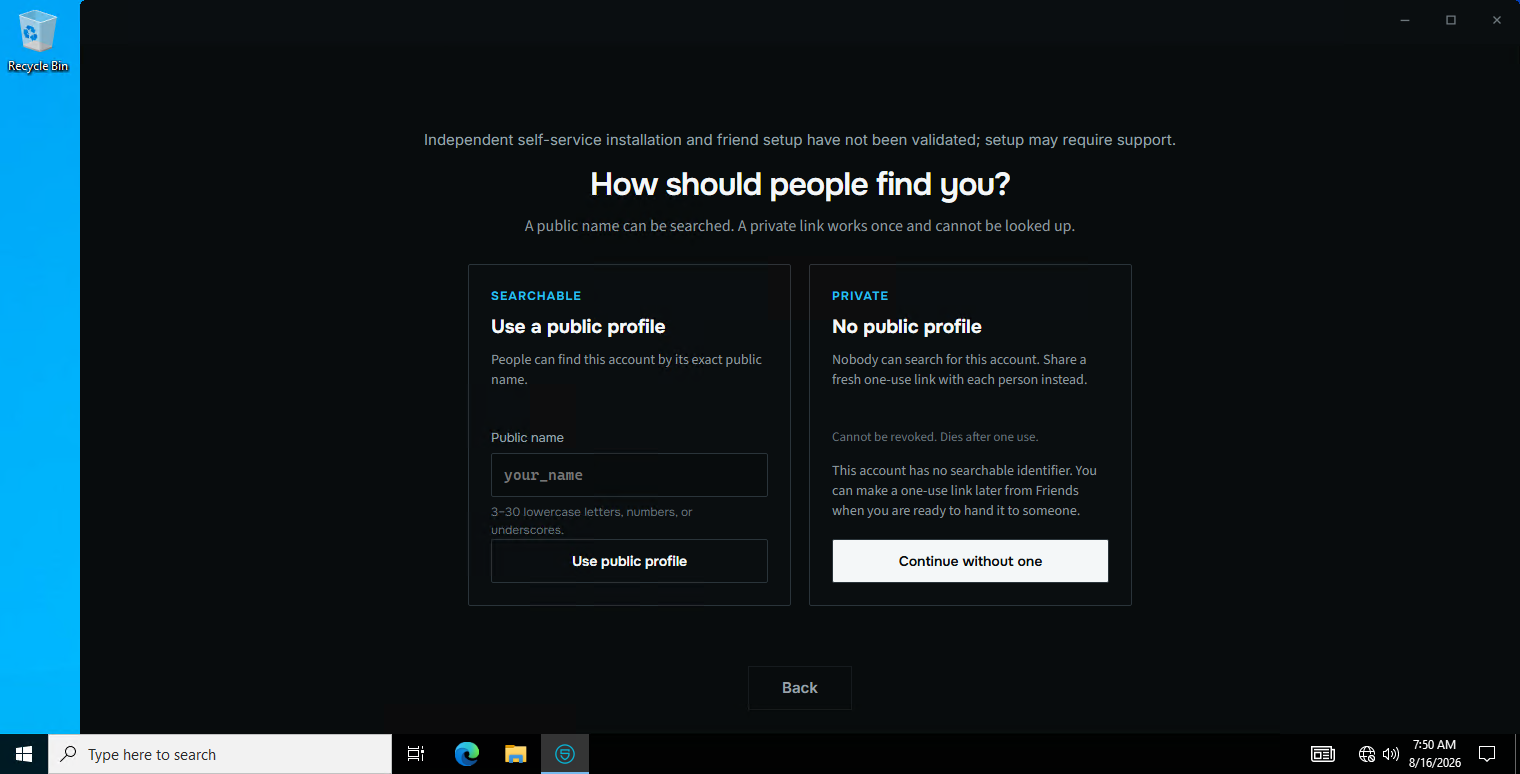
4How people find you: a searchable public name, or no public name at all.
5The tier this identity is created under.
6How careful OSL should be by default.
7Whether to route the connection over Tor.
8What happens to messages by default — expiry, view-once, burn.
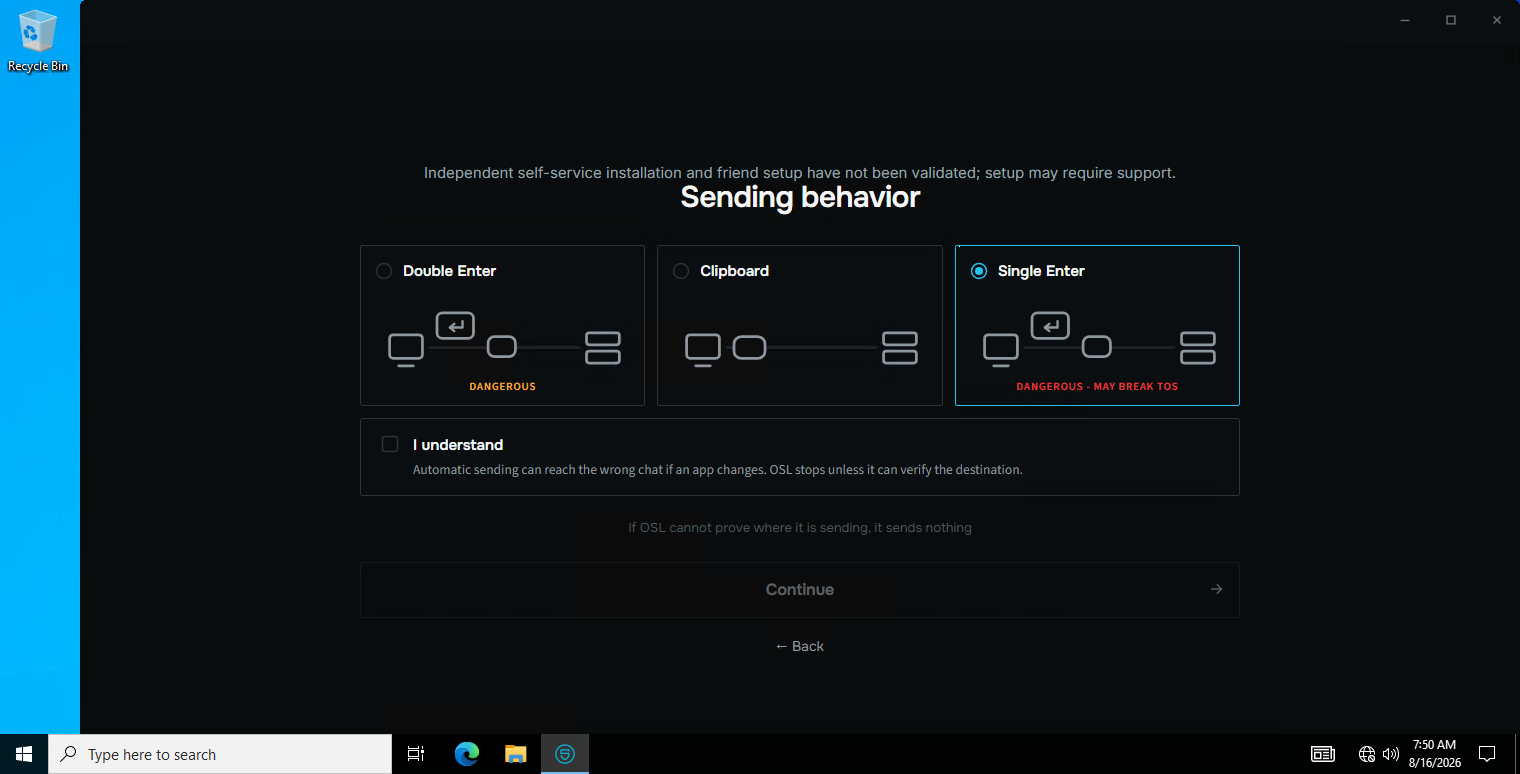
9How OSL puts a message into another app: manually, or automatically.
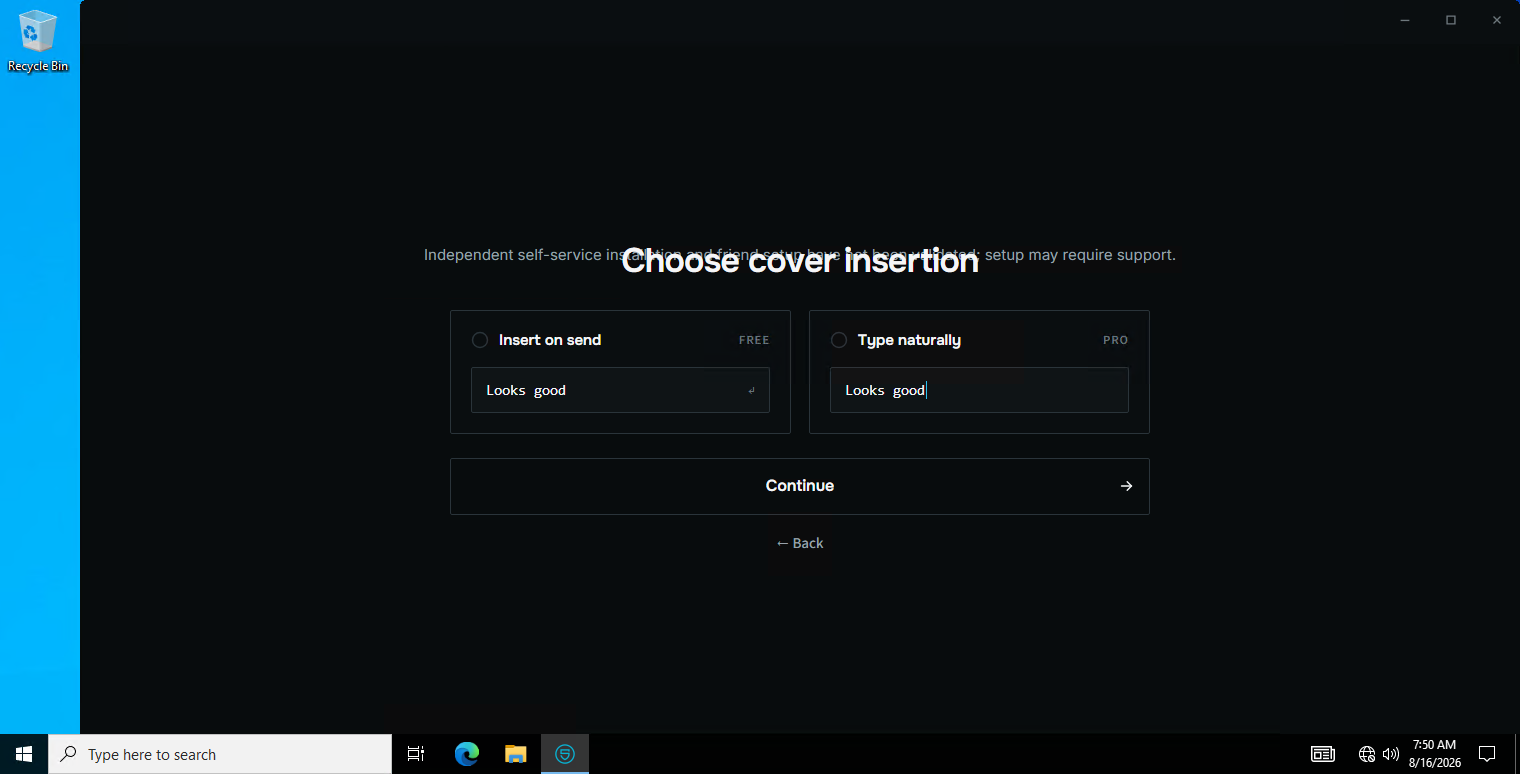
10Cover insertion — the ordinary-looking message the real one hides inside.
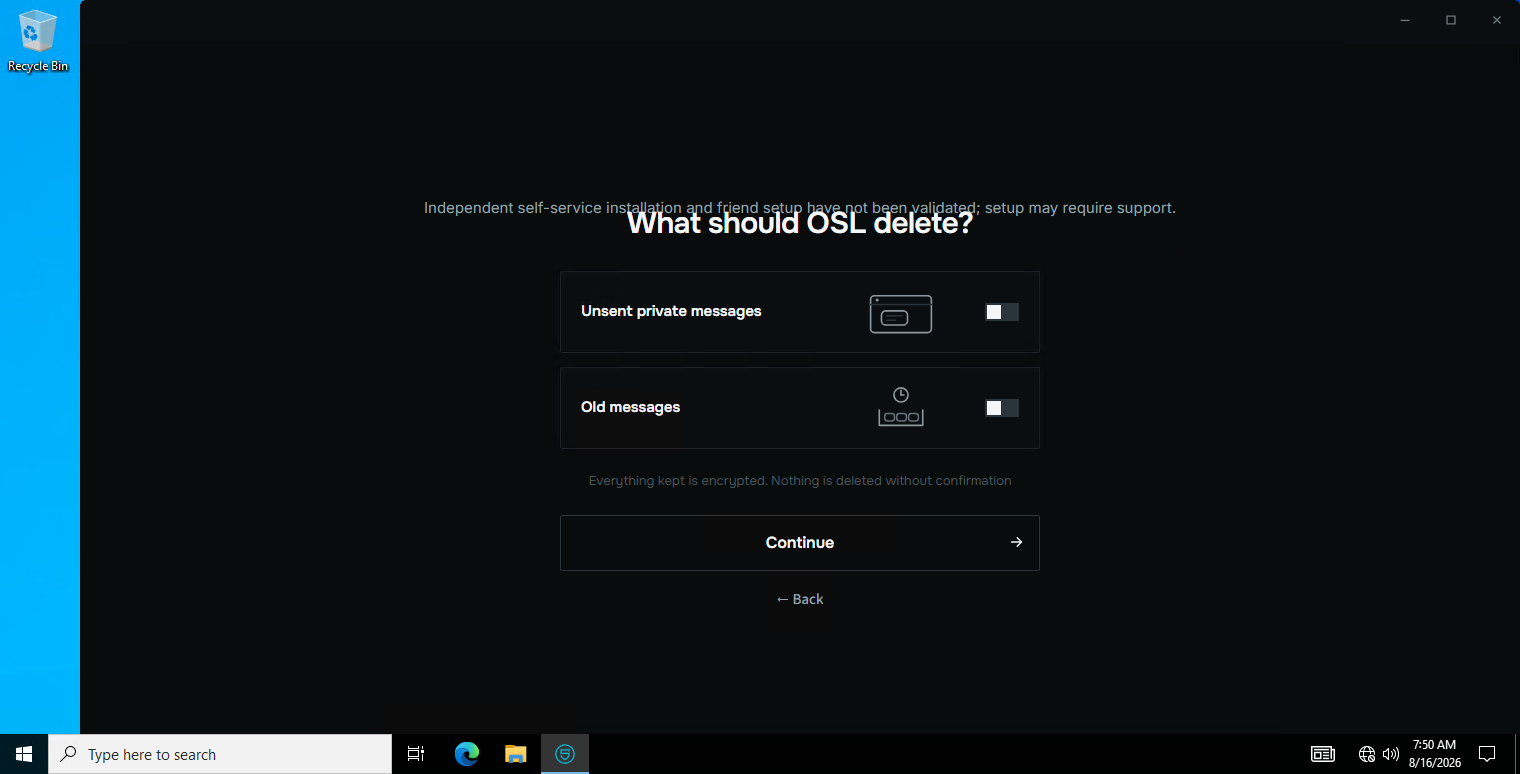
11What OSL should clean off this device, and how much room to use.
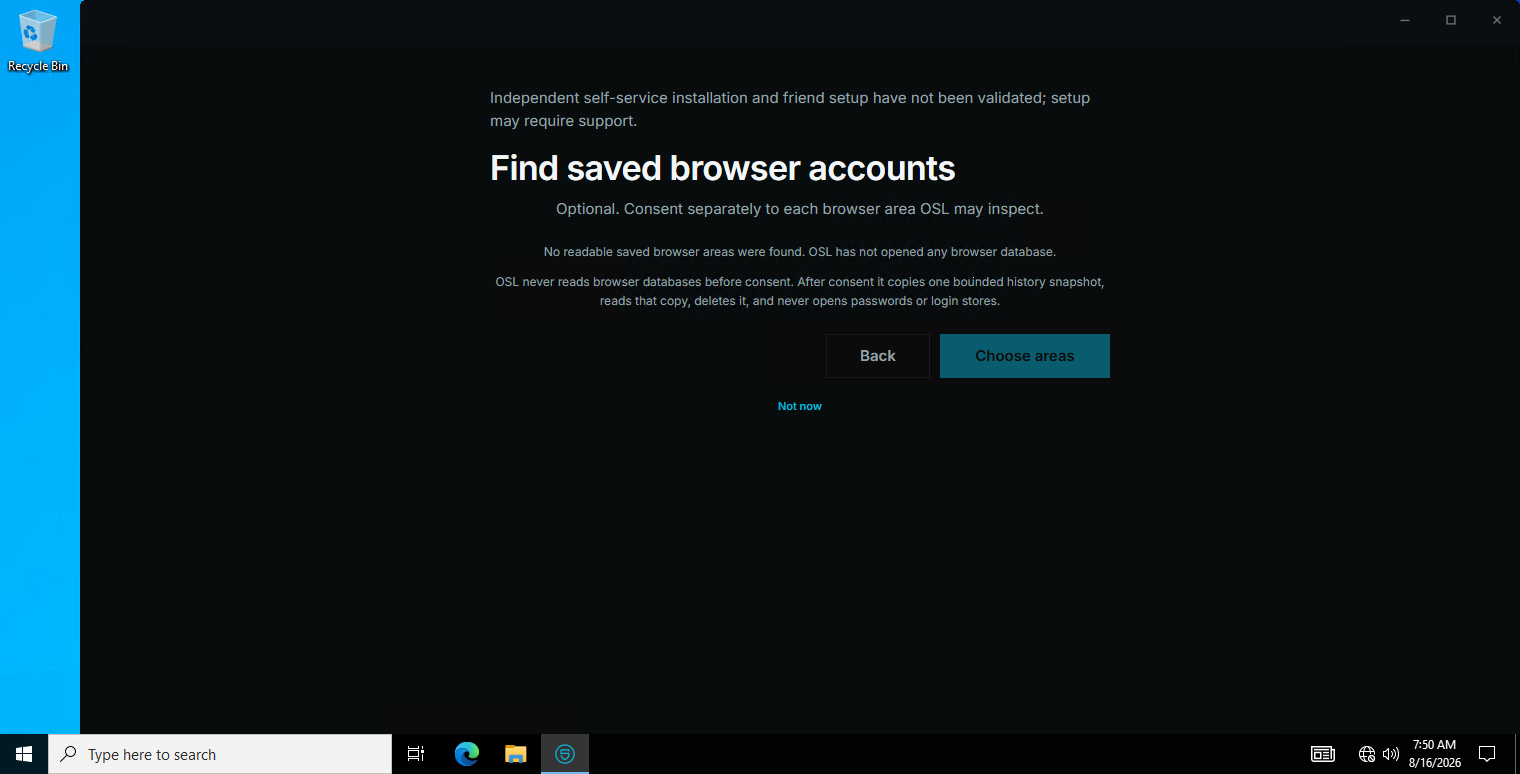
12Importing which accounts you already have, from the browsers on this machine.
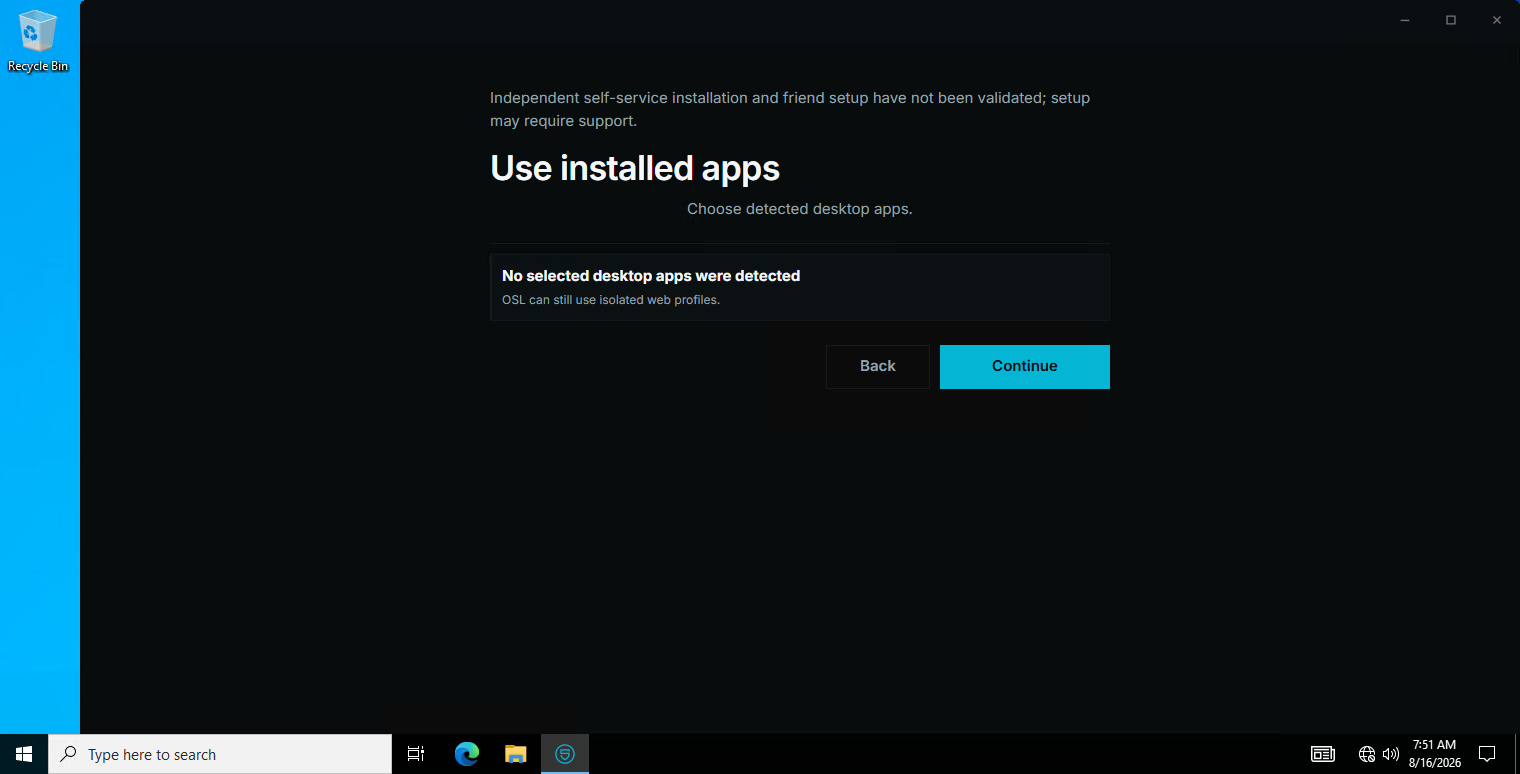
13The apps OSL found installed and can carry messages through.
The eye — reading the real message
OSL's overlay revealing what a message actually says, over the carrier that is only showing the cover. — NOT CAPTURED YET. This is being captured from the running Windows build; the section fills itself in when it lands.
The composer — protection off and on
The same message written with protection off, then on. This is the difference the whole product exists to create. — NOT CAPTURED YET. This is being captured from the running Windows build; the section fills itself in when it lands.
Conversations — Discord and Telegram, both directions
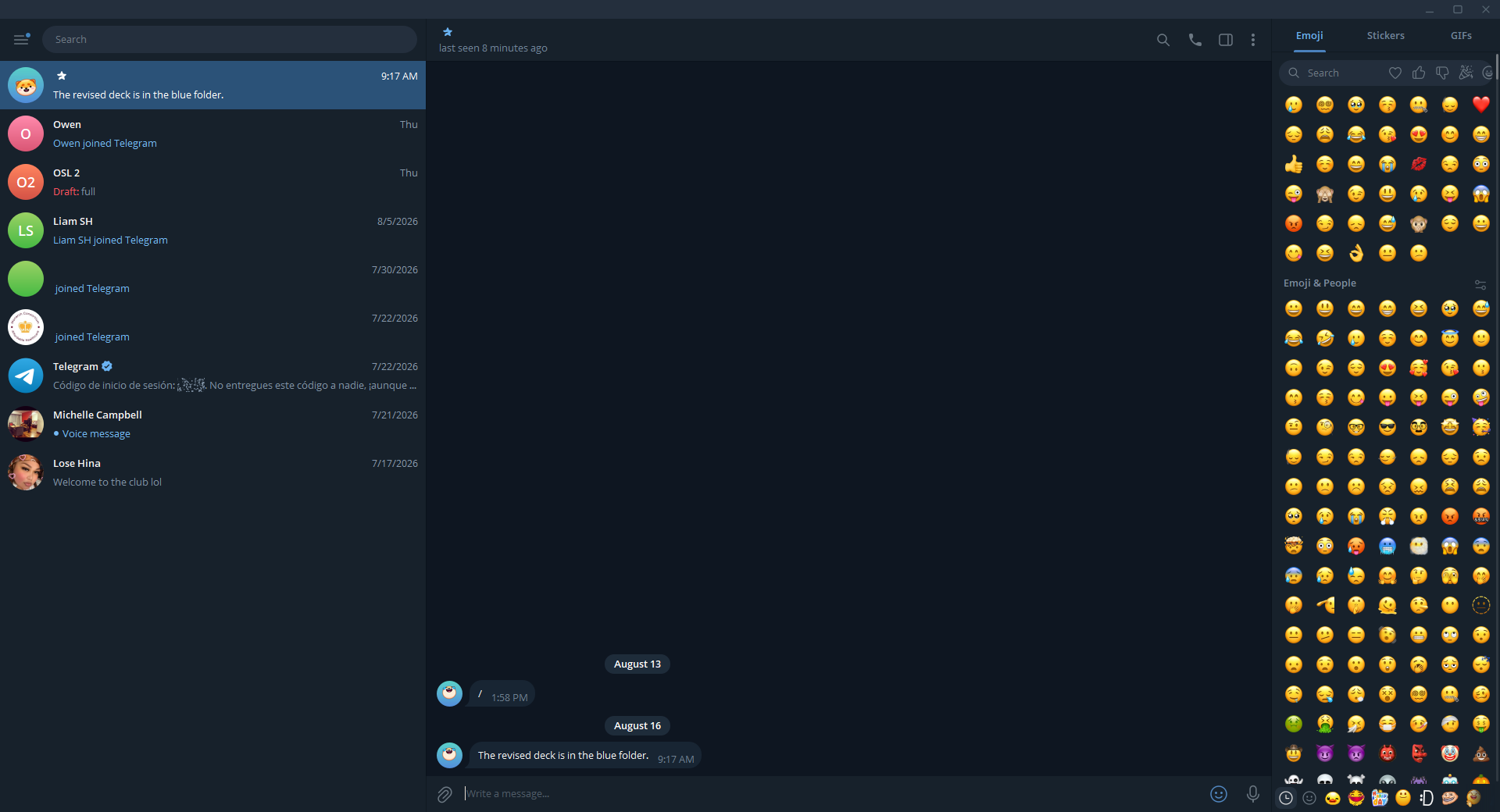
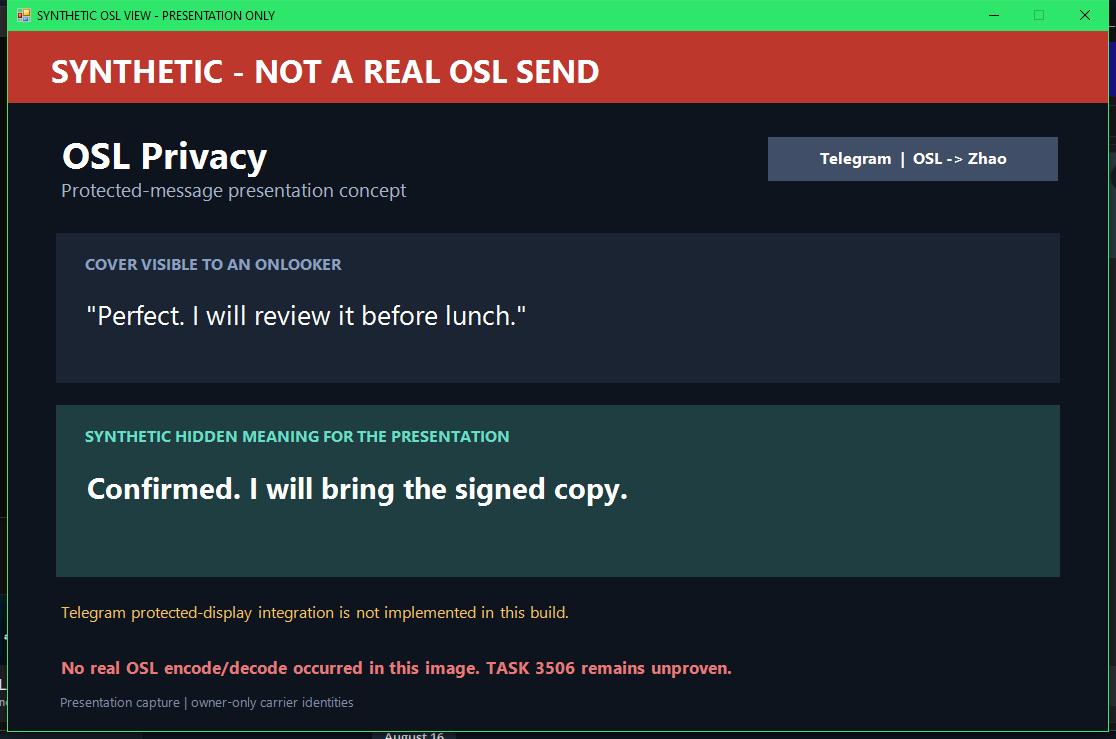
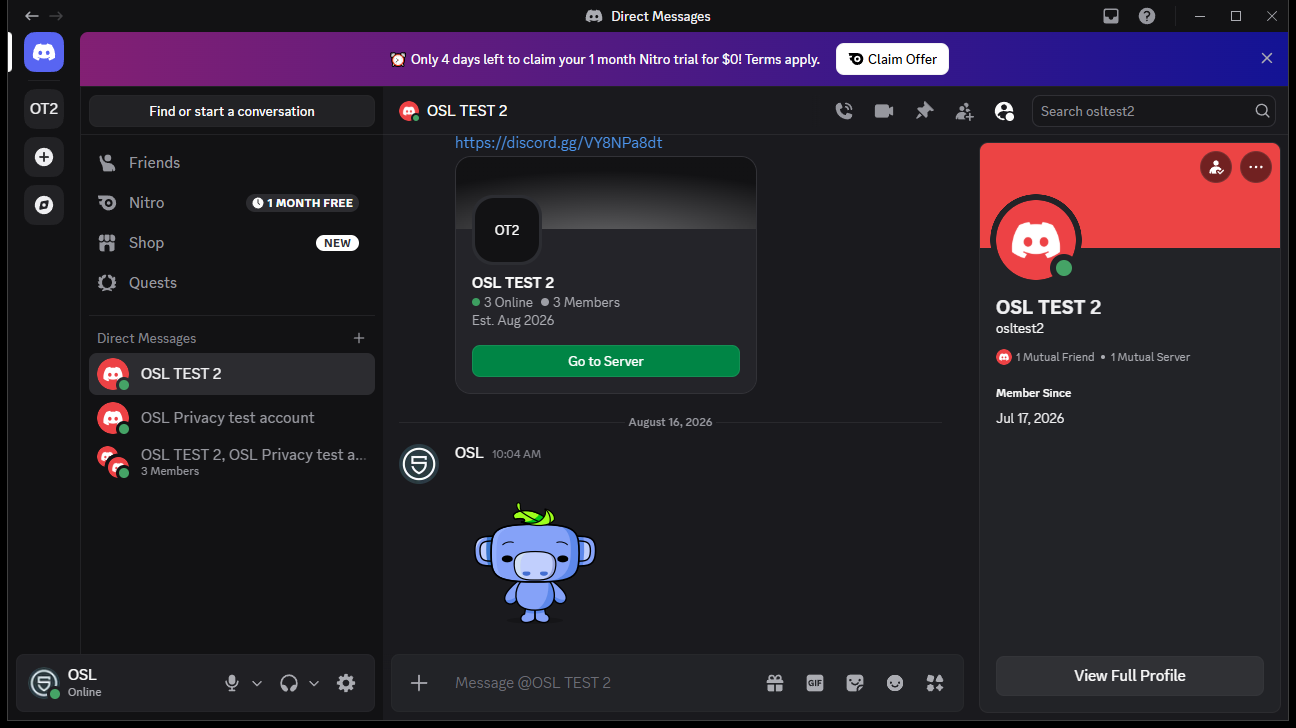
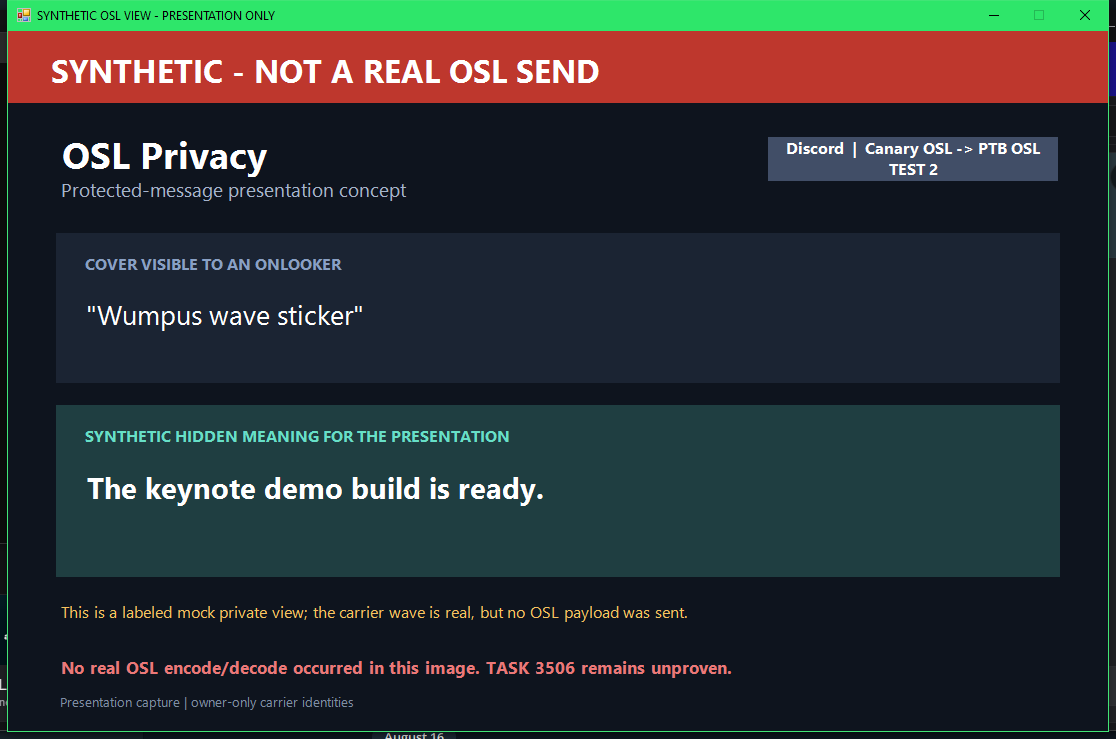
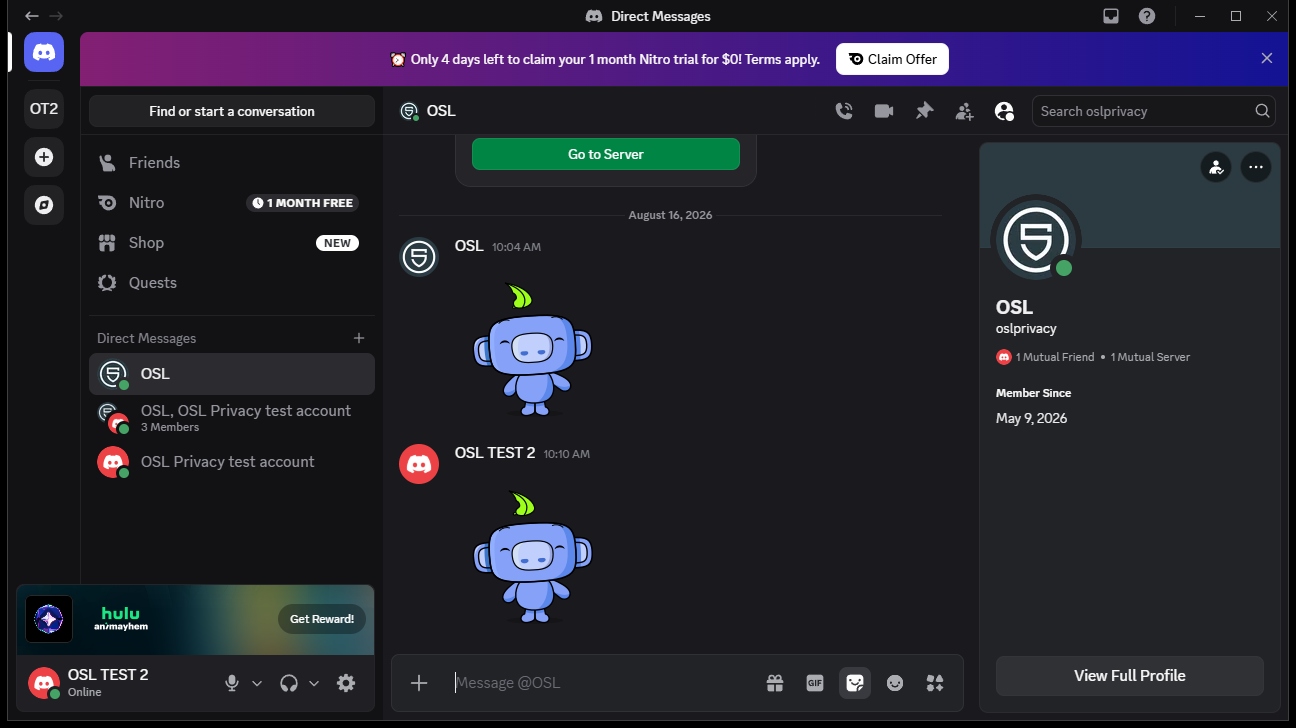
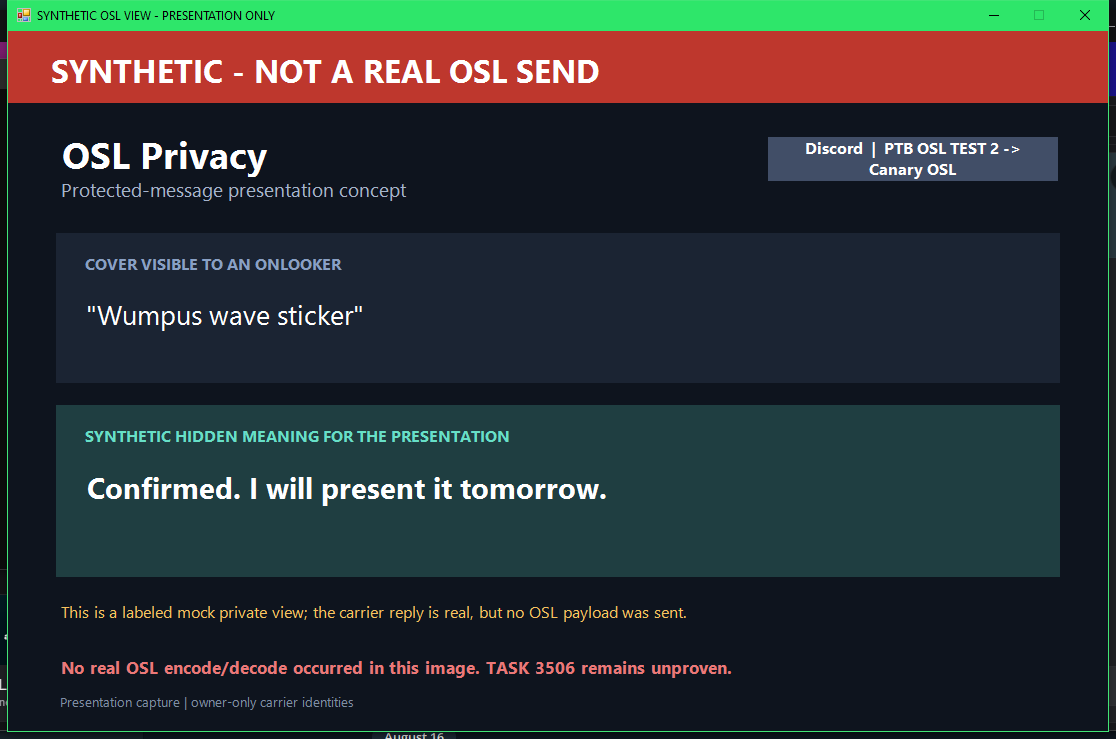
What an onlooker sees in the carrier app. Message content is seeded demonstration content between the owner's own accounts.
1001 telegram zhao to osl carrierSYNTHETIC — demonstration content, not a real send
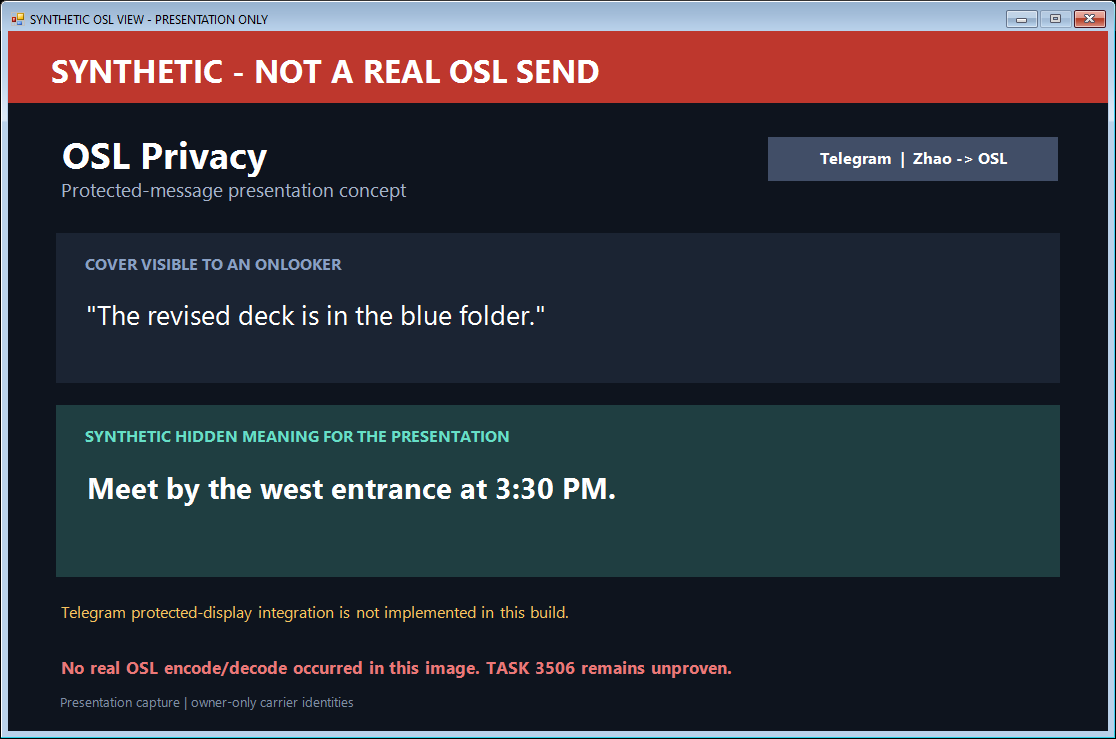
2002 telegram zhao to osl synthetic private viewSYNTHETIC — demonstration content, not a real send
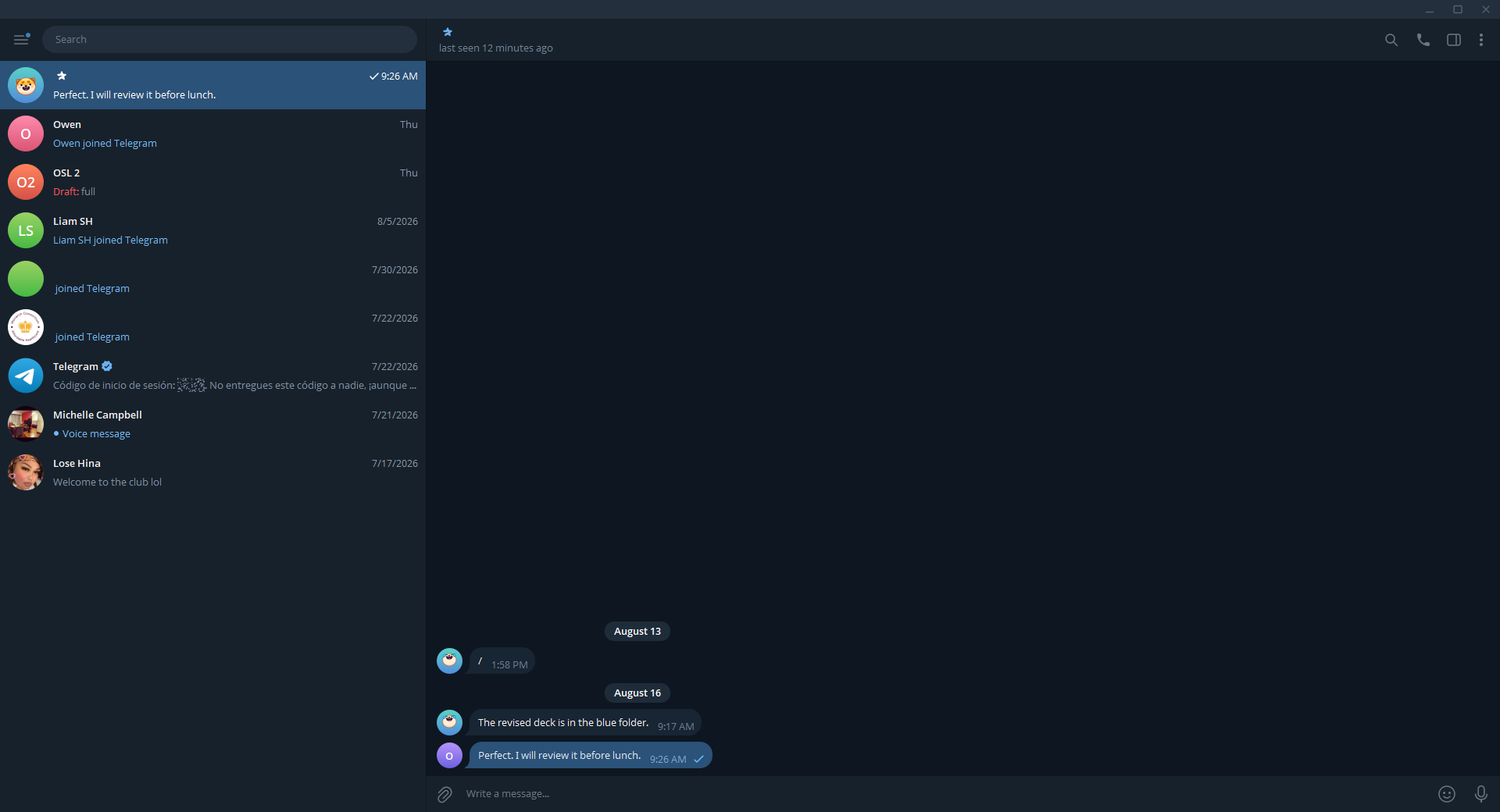
3003 telegram osl to zhao carrierSYNTHETIC — demonstration content, not a real send
4004 telegram osl to zhao synthetic private viewSYNTHETIC — demonstration content, not a real send
5005 discord canary to ptb carrierSYNTHETIC — demonstration content, not a real send
6006 discord canary to ptb synthetic private viewSYNTHETIC — demonstration content, not a real send
7007 discord ptb to canary carrierSYNTHETIC — demonstration content, not a real send
8008 discord ptb to canary synthetic private viewSYNTHETIC — demonstration content, not a real send
Scrub and AutoScrub
Scrub finding things and presenting them for review. AutoScrub is FIND-ONLY — it never deletes automatically. — NOT CAPTURED YET. This is being captured from the running Windows build; the section fills itself in when it lands.